LYRD for iPhone
Your privacy has layers.
One screen of dots. Every pattern opens a different encrypted Layer, and nothing shows how many there are.
No list.
LYRD never shows your Layers. There is nothing to browse.
No count.
Nobody can see how many Layers you have.
No wrong pattern.
An unknown pattern simply opens an empty Layer.
Try it
Draw a layer.
Three patterns open three different Layers in this demo. Any other pattern opens an empty one. There is no list to look at and nothing ever says a pattern is wrong.
This demo runs in your browser only. In LYRD a pattern is never stored or compared: it is turned into a key.
Draw your layer
The app
Open app. See dots. Draw. Your Layer appears.
Lock it and everything disappears. Another pattern, a completely different Layer.
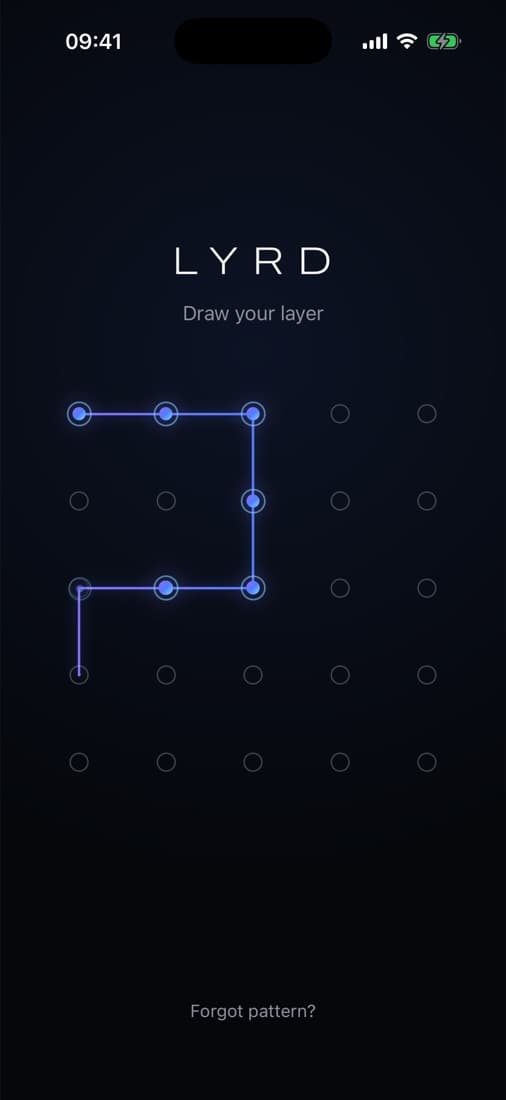
Draw your layer
A 5 × 5 grid. 25 points, far more patterns than a 3 × 3.
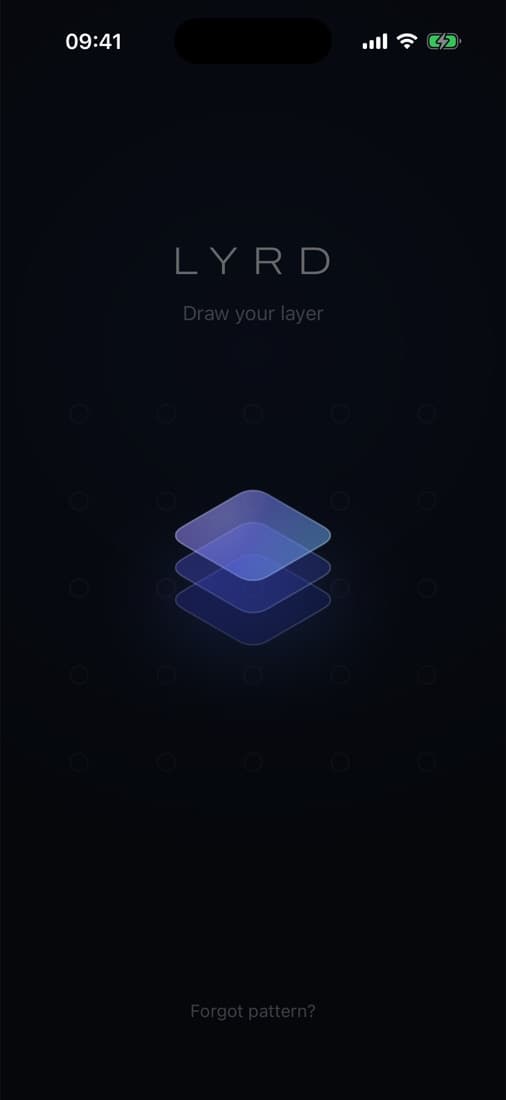
Three surfaces align
The moment a Layer opens.
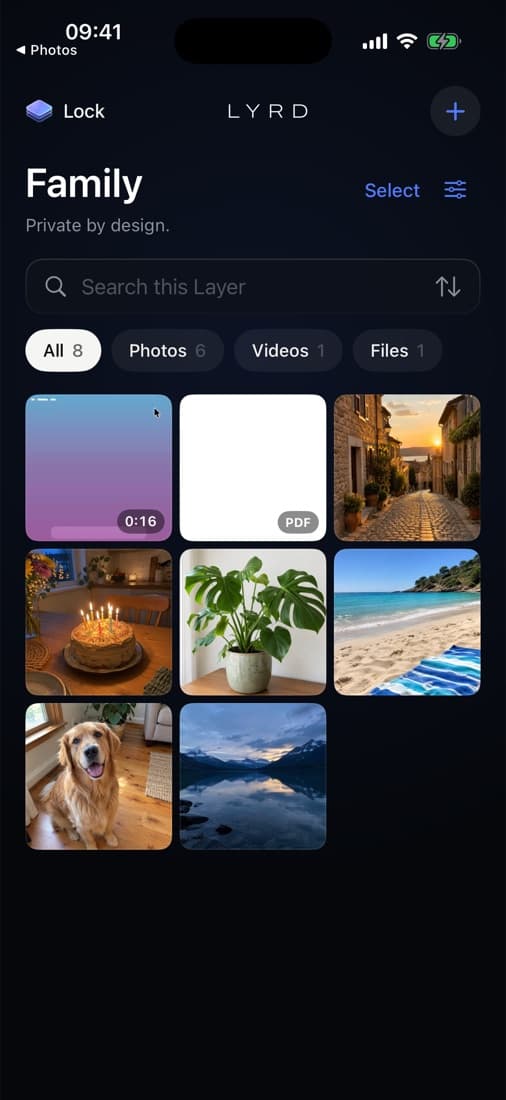
Your Layer
Photos, videos, files and notes. Searchable, only inside this Layer.
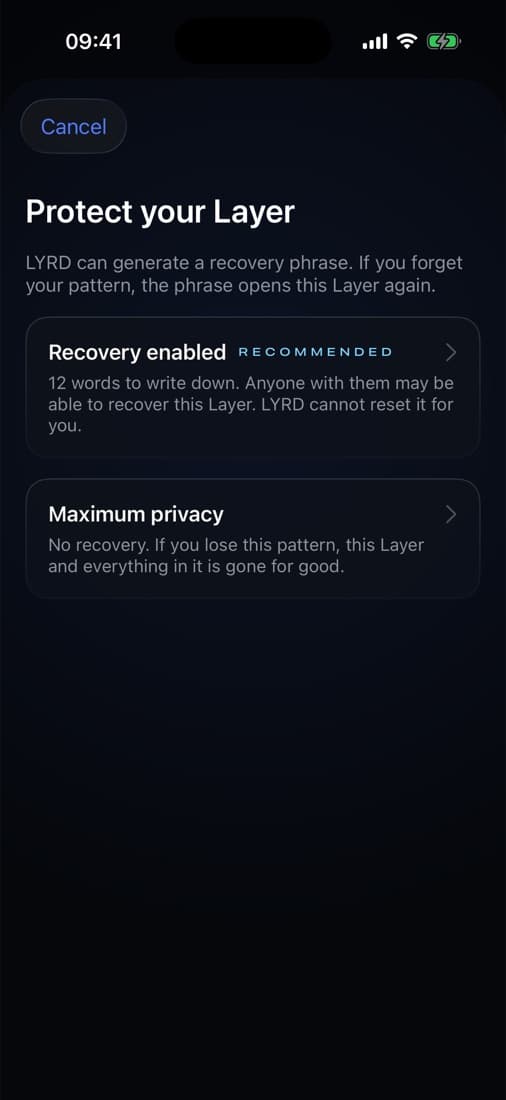
Protect your Layer
A recovery phrase, or maximum privacy.
Private by design
Not a folder with a password.
Encrypted before it's stored
Photos, videos, files and notes are encrypted with AES-256-GCM on your iPhone. So are their names, dates and thumbnails.
Every Layer has its own key
Each Layer gets a random 256-bit master key. A pattern for one Layer cannot decrypt another.
Bound to your iPhone
Your pattern is combined with a secret held by the Secure Enclave. Copied files alone can't be guessed open on another computer.
No list. No count.
Nothing before unlocking shows how many Layers exist, what they're called or which one you opened last.
No wrong pattern
A pattern that opens nothing shows an empty Layer. Nobody watching can tell a miss from a new Layer.
Recovery, or maximum privacy
Keep a 12-word recovery phrase for each Layer, or choose no recovery at all. Your call, per Layer.
Locks when you leave
Leave the app and the Layer locks. The app switcher only ever shows the LYRD cover.
Video without plaintext
Videos play by decrypting small pieces in memory. No unencrypted copy is written to disk.
Never trapped
Export single files, or a whole Layer as an encrypted .lyrd archive with its own phrase.
How it works
The pattern is the key.
LYRD never stores your pattern and never compares it with anything. It turns it into a key, and that key either opens a Layer or it doesn't. Layers that exist look exactly like empty space until the right pattern arrives.
Read the security architecture- 01
Your pattern
Drawn on 25 points, held only in memory.
- 02
Stretched and bound
PBKDF2-HMAC-SHA512, then combined with a Secure Enclave secret from this iPhone.
- 03
Unwraps one master key
Every Layer has its own random 256-bit key. The pattern only unlocks it.
- 04
Opens the Layer
Files, names, thumbnails and notes, each encrypted with AES-256-GCM under a key of its own.
No security theatre
What LYRD can't do.
We'd rather tell you than sell you. No “military-grade”, no “unbreakable”.
- Protect a Layer while it is open, or on a hacked iPhone.
- Stop someone who watches you draw your pattern.
- Hide from a forensic lab that LYRD holds encrypted data, or roughly how much.
- Promise forensic erasure of deleted data on flash storage.
- Prevent screenshots. It hides content during screen recording, as far as iOS allows.
Questions
Does LYRD have an account or a server?+
No. LYRD works fully offline. The developer never receives your files, names, patterns, keys or recovery phrases, and the app contains no analytics.
What if I forget a pattern?+
If you kept the recovery phrase for that Layer, enter it and draw a new pattern. Without a phrase the Layer cannot be opened by anyone, including us.
Can Face ID open my Layers?+
No. Face ID would become a key to everything. The pattern decides which Layer exists for you.
Is this a vault app with a password screen?+
No. There is no hidden folder behind a lock screen. Each pattern is turned into a key with PBKDF2 and the Secure Enclave, and that key opens one Layer's master key.
What about backups?+
Layers are bound to the iPhone that created them and are left out of device backups. To move a Layer, export it as an encrypted .lyrd archive. Encrypted iCloud backup is planned as an option, off by default.
LYRD
Your privacy has layers
Coming to the App Store.